Example of macro illustrating how to superimpose two histograms with different scales in the "same" pad.
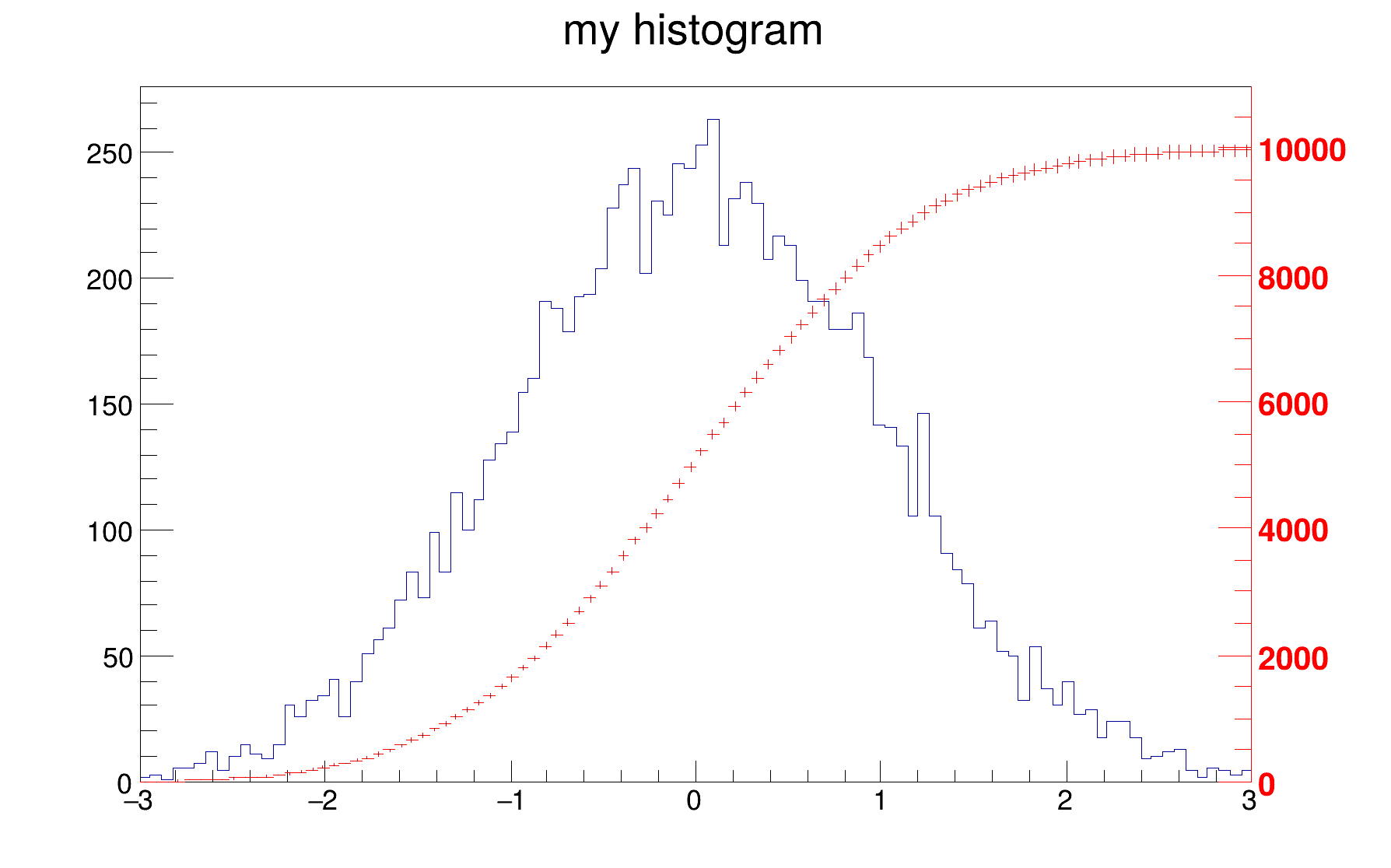
{
TH1F *
h1 =
new TH1F(
"h1",
"my histogram",100,-3,3);
TH1F *hint1 =
new TH1F(
"hint1",
"h1 bins integral",100,-3,3);
}
gPad->GetUxmax(),
gPad->GetUymax(),0,rightmax,510,
"+L");
}
R__EXTERN TRandom * gRandom
R__EXTERN TStyle * gStyle
virtual void SetLineColor(Color_t lcolor)
Set the line color.
void SetLabelColor(Int_t labelcolor)
1-D histogram with a float per channel (see TH1 documentation)
virtual Double_t GetMaximum(Double_t maxval=FLT_MAX) const
Return maximum value smaller than maxval of bins in the range, unless the value has been overridden b...
void Draw(Option_t *option="") override
Draw this histogram with options.
virtual void SetBinContent(Int_t bin, Double_t content)
Set bin content see convention for numbering bins in TH1::GetBin In case the bin number is greater th...
virtual void Scale(Double_t c1=1, Option_t *option="")
Multiply this histogram by a constant c1.
virtual void Draw(Option_t *option="")
Default Draw method for all objects.
static uint64_t sum(uint64_t i)
- Author
- Rene Brun
Definition in file twoscales.C.