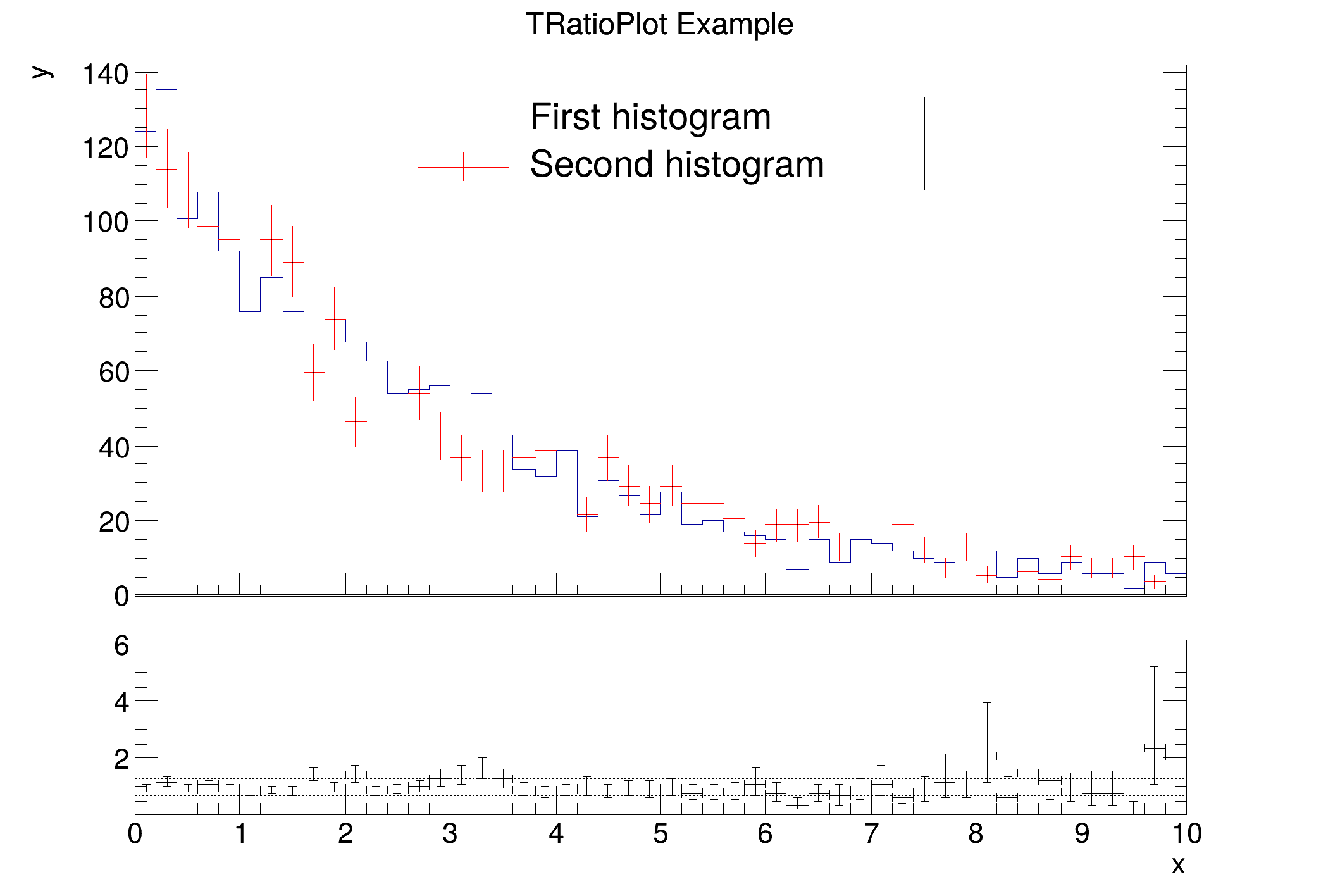
Example creating a simple ratio plot of two histograms using the pois division option.
Two histograms are set up and filled with random numbers. The constructor of TRatioPlot takes the two histograms, name and title for the object, drawing options for the histograms (hist and E in this case) and a drawing option for the output graph. The histograms drawing options can be changed with SetH1DrawOpt and SetH2DrawOpt.
auto C =
new TCanvas(
"C",
"A ratio example");
auto h1 =
new TH1D(
"h1",
"TRatioPlot Example; x; y", 50, 0, 10);
auto h2 =
new TH1D(
"h2",
"h2", 50, 0, 10);
auto f1 =
new TF1(
"f1",
"exp(- x/[0] )");
h1->FillRandom(
"f1", 1900);
h2->FillRandom("f1", 2000);
h2->Scale(1.9 / 2.);
C->SetTicks(0, 1);
rp->Draw();
rp->GetLowYaxis()->SetNdivisions(505);
rp->GetUpperPad()->cd();
legend->
AddEntry(
"h1",
"First histogram",
"l");
legend->
AddEntry(
"h2",
"Second histogram",
"le");
}
R__EXTERN TStyle * gStyle
1-D histogram with a double per channel (see TH1 documentation)
This class displays a legend box (TPaveText) containing several legend entries.
TLegendEntry * AddEntry(const TObject *obj, const char *label="", Option_t *option="lpf")
Add a new entry to this legend.
void Draw(Option_t *option="") override
Draw this legend with its current attributes.
Class for displaying ratios, differences and fit residuals.
- Author
- Paul Gessinger
Definition in file ratioplot1.C.