

This program creates :
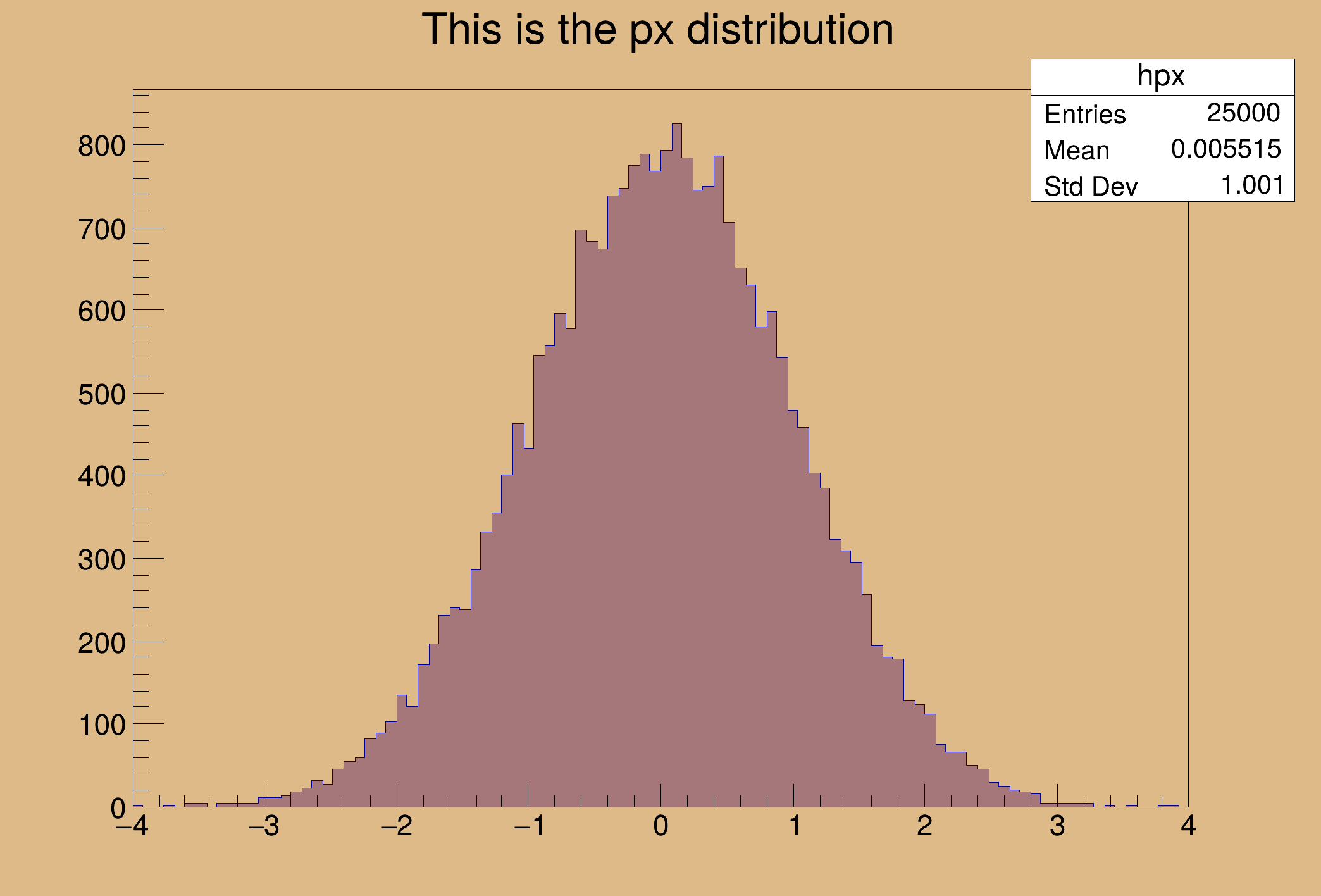
- a one dimensional histogram
- a two dimensional histogram
- a profile histogram
- a memory-resident ntuple
These objects are filled with some random numbers and saved on a file.
import numpy
from ROOT import TH1F, TH2F, TCanvas, TFile, TNtuple, TProfile, gBenchmark, gSystem
c1 =
TCanvas(
"c1",
"Dynamic Filling Example", 200, 10, 700, 500)
c1.SetFillColor(42)
frame = c1.GetFrame()
frame.SetFillColor(21)
frame.SetBorderSize(6)
frame.SetBorderMode(-1)
hpx =
TH1F(
"hpx",
"This is the px distribution", 100, -4, 4)
hpxpy =
TH2F(
"hpxpy",
"py vs px", 40, -4, 4, 40, -4, 4)
hprof =
TProfile(
"hprof",
"Profile of pz versus px", 100, -4, 4, 0, 20)
ntuple =
TNtuple(
"ntuple",
"Demo ntuple",
"px:py:pz:random:i")
hpx.SetFillColor(48)
gBenchmark.Start("hsimple")
for i in range(25000):
px, py = numpy.random.standard_normal(size=2)
pz = px * px + py * py
random = numpy.random.rand()
hpx.Fill(px)
hpxpy.Fill(px, py)
hprof.Fill(px, pz)
ntuple.Fill(px, py, pz, random, i)
if i > 0 and i % 1000 == 0:
hpx.Draw()
c1.Modified()
c1.Update()
if gSystem.ProcessEvents():
break
gBenchmark.Show("hsimple")
with TFile(
"py-hsimple.root",
"RECREATE",
"Demo ROOT file with histograms")
as hfile:
hfile.WriteObject(hpx)
hfile.WriteObject(hpxpy)
hfile.WriteObject(hprof)
ntuple.SetDirectory(hfile)
ntuple.Write()
c1.Modified()
c1.Update()
1-D histogram with a float per channel (see TH1 documentation)
2-D histogram with a float per channel (see TH1 documentation)
A simple TTree restricted to a list of float variables only.
- Author
- Wim Lavrijsen, Enric Tejedor
Definition in file hsimple.py.

