

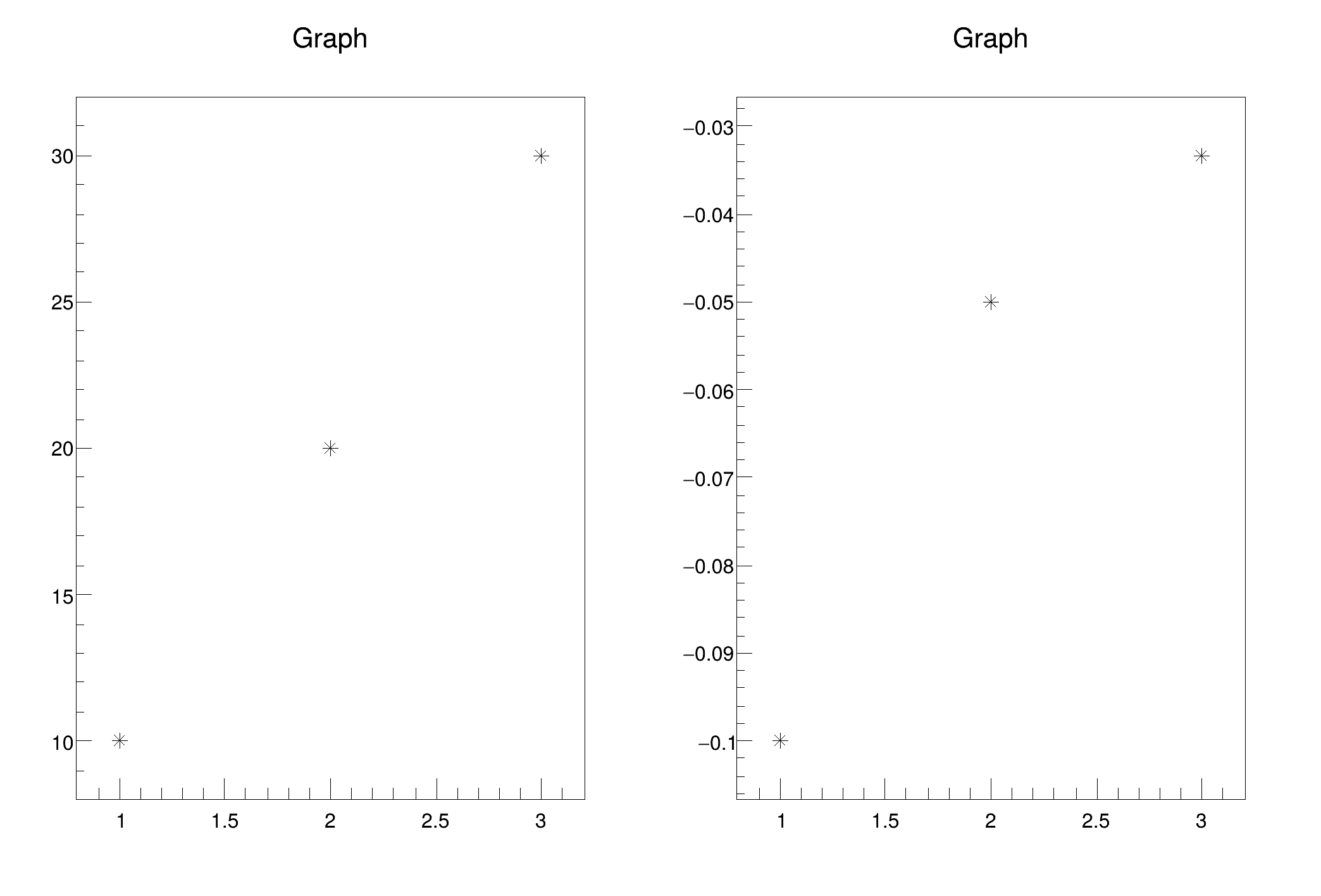
 A macro to demonstrate the functionality of TGraph::Apply() method.
TGraph::Apply applies a function f to all the data TGraph points, f may be a 1-D function TF1 or 2-d function TF2. The Y values of the graph are replaced by the new values computed using the function.
The Apply() method can be used as well for TGraphErrors and TGraphAsymmErrors.
void gr005_apply() {
Double_t yaxis[npoints] = {10.,20.,30.};
TF2 *ff =
new TF2(
"ff",
"-1./y");
}
int Int_t
Signed integer 4 bytes (int).
double Double_t
Double 8 bytes.
void Draw(Option_t *chopt="") override
Default Draw method for all objects.
virtual void Apply(TF1 *f)
virtual TObject * DrawClone(Option_t *option="") const
Draw a clone of this object in the current selected pad with: gROOT->SetSelectedPad(c1).
- Author
- Miro Helbich
Definition in file gr005_apply.C.

